





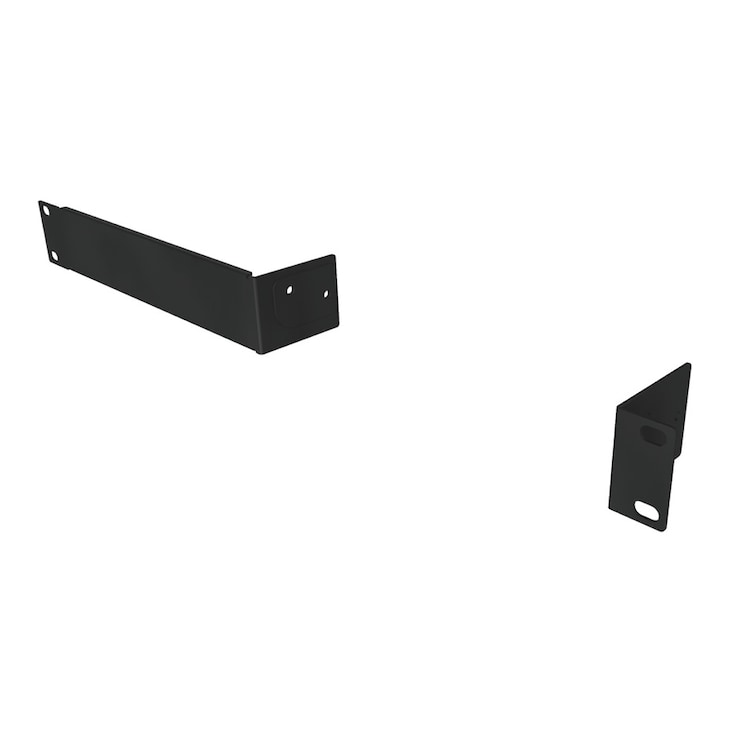
Mount kit for mounting the Remote Conference Processor "RM-CR" in a rack.
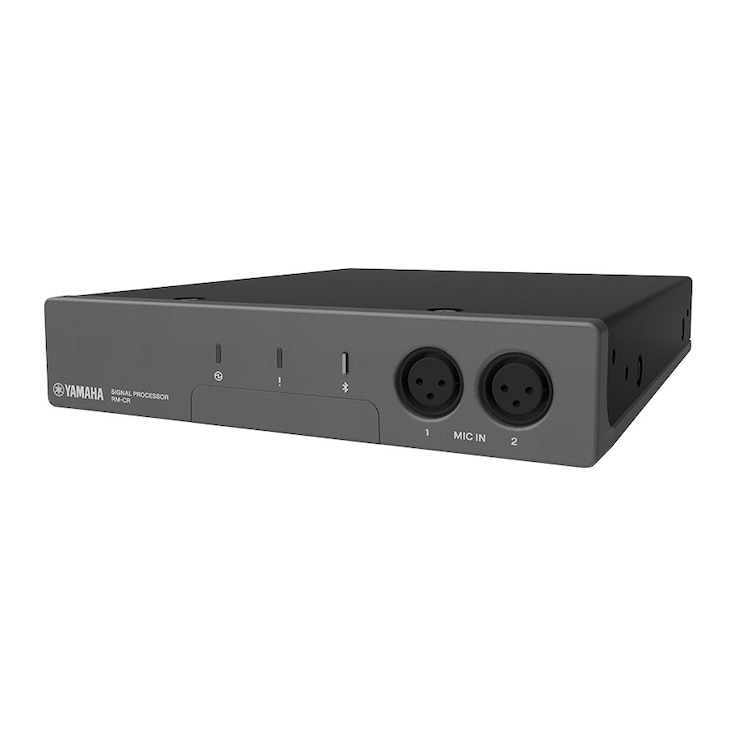
Signal processor at the heart of the ADECIA
- Standaard netwerkaudio-ondersteuning voor “Dante”; alle compatibele apparaten kunnen worden aangesloten met één netwerkkabel
- Uitgerust met de automatische afstemfuncties die automatisch de optimale geluidsinstellingen voor de omgeving meten en leveren
- Uitgerust met de automatische mixer-functies die automatisch het geluid van alle aangesloten microfoons mixen
- Uitgerust met verschillende in-/uitgangen zoals USB, analoog en Bluetooth
- Geavanceerde AI Denoiser voor kristalheldere gesprekken
- Automatische instelling en geluidsafstemming voor het Voice Lift Systeem

-
Voor klanten die firmware versie 2.8 of eerder gebruiken:
Hoogtepunten
Moeiteloos en toch professioneel - Automatisch ontwerpen en instellen voor Voice Lift
Van apparaatkeuze tot audioafstemming, de Room Design hulpmiddelen in ProVisionaire Plan en ProVisionaire Cloud automatiseren samen met de ADECIA conferentieoplossing het proces om helder en natuurlijk geluid te leveren, zelfs in grootschalige ruimtes.
*Deze functie wordt ondersteund door ADECIA Firmware Versie 3.0 en hoger.
De signaalprocessor in het hart van de ADECIA
Op afstand bediende conferentieprocessoren om op eenvoudige wijze verschillende moeilijke problemen op te lossen die te maken hebben met lastige bekabeling, het opzetten van netwerkomgevingen en het optimaliseren van de akoestiek voor elke omgevingsruimte.
Solutions
-
ADECIA Ceiling
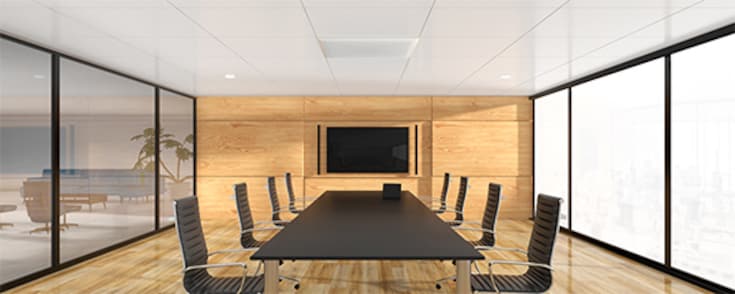
The comprehensive conferencing solution introduces the ceiling array microphone and remote conference processor, and includes long-trusted PoE network switches and Dante PoE powered speakers.
-
ADECIA Wireless
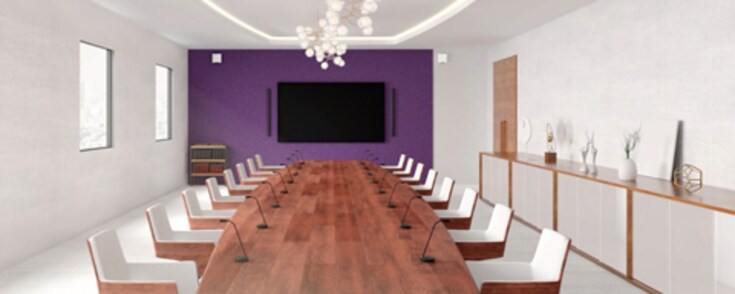
Flexibility to choose between gooseneck and boundary microphones to customize your usage to adapt to your use-case, creating the most comfortable conferencing space without worrying about wiring or configuration changes should the layout change.
-
ADECIA Tabletop
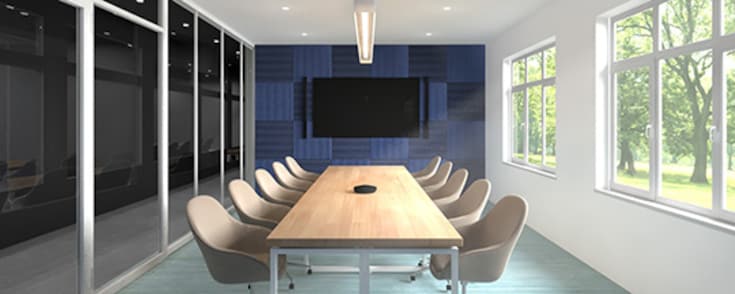
With the new wired Tabletop Array Microphone "RM-TT", users have more flexibility to customize ADECIA to their use case.
Certified by Strategic Partners
Kenmerken
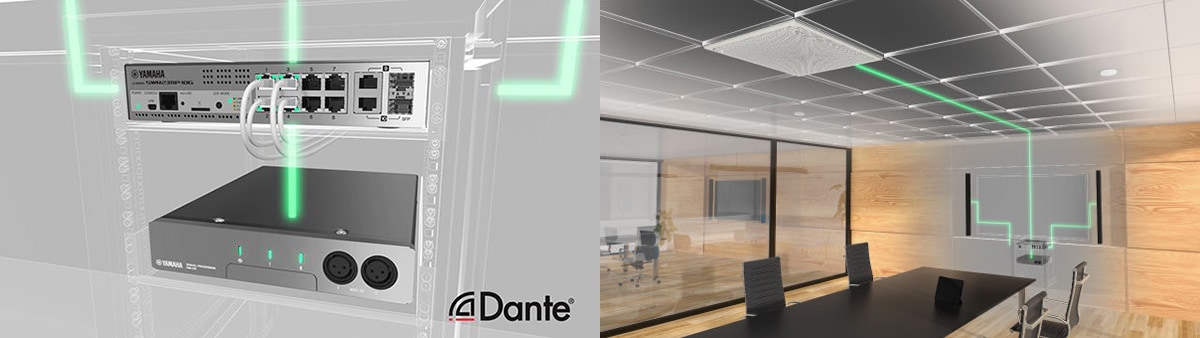
Standard network audio support for Dante—all compatible devices can be connected with single network cable
Uses the Dante audio network standard for audio transmission between devices. Audio/control signals can be transmitted via a single network cable. The RM-CR Remote Conference Processor performs voice line settings and detailed adjustments automatically, which easily resolves several difficult problems associated with troublesome wiring, establishing network environments, and optimizing acoustics for each room environment.
De voeding maakt gebruik van de PoE-methode, waardoor stroom kan worden geleverd via een netwerkkabel
De voeding maakt gebruik van de PoE-methode. Samen met de RM-CG plafond-array microfoon en de Dante/PoE-compatibele VXL Series Model P lijn-array luidsprekers, maakt de RM-CR gebruik van stroom die wordt geleverd door de PoE-compatibele Yamaha netwerkswitch via een netwerkkabel, zodat je je geen zorgen hoeft te maken over compatibiliteit met verschillende apparaten.
Automatically recognizes connected devices on the same network for audio routing
All it takes is a click in your web browser. The setup wizard automatically performs audio routing in your system. This minimizes the enormous amount of time required for adjustment, and can be easily set without knowledge or experience of acoustics.
Equipped with Auto Tuning functions to automatically measure and provide the optimum sound settings for the environment
By automatically recognizing devices connected to the same network as the RM-CR, analyzing the acoustic environment of the room where it is installed and the state of any installed speakers, and automatically optimizing the parameters of signal processing technology, etc., the Auto Tuning function adjusts for optimum sound that makes hearing and speaking easy.
Equipped with Auto Mixer functions to automatically optimize the mixing balance of audio input via Dante
Equipped with Auto Mixer functions that allow you to select either gain-sharing type* or gate type, enabling input level balance to be actively adjusted from each microphone.
*Gain-sharing type does not require complicated settings such as threshold level, attack time, or hold time.
Uitgerust met verschillende ingangs-/uitgangsaansluitingen zoals USB, analoog en Bluetooth, compatibel met diverse toepassingen
Uitgerust met verschillende interfaces zoals USB, Bluetooth® en audio in-/uitvoer, kan het systeem niet alleen worden gebruikt voor webconferenties, maar ook voor andere externe vergadertoepassingen zoals videoconferenties en conferentiegesprekken. Aangezien het compatibel is met Windows, macOS, iOS en Android, zijn er geen beperkingen aan het gebruikte webconferentiesysteem. Oplossingen voor communicatie op afstand kunnen worden gebouwd in combinatie met elk OS, apparaat of teleconferentiesysteem.
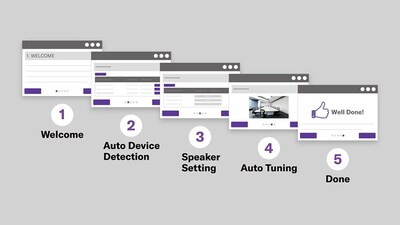
RM-CR automatisch instellen
Volg de installatiewizard op je webbrowser en met slechts een paar klikken wordt de audio automatisch aangepast aan de audiorouting en de ruimteomgeving van je systeem. Dit minimaliseert de enorme hoeveelheid tijd die nodig is voor het instellen en kan eenvoudig worden ingesteld zonder kennis of ervaring met akoestiek.
Instellingenscherm: Wachtwoord-, netwerk-, regio-, randapparatuur- en Bluetooth-instellingen kunnen hier worden gewijzigd.
Audioscherm: Invoer/uitvoer kan hier worden gecontroleerd en automatisch afstemmen kan hier worden uitgevoerd.
Hulpmiddelen scherm: Hier kan firmware worden bijgewerkt en apparaatinformatie worden gecontroleerd. Firmware updates kunnen niet alleen worden uitgevoerd voor de RM-CR zelf, maar ook voor aangesloten RM series firmware. Opslaan/oproepen instellingen en log instellingen kunnen ook worden gewijzigd op het Hulpmiddelen scherm.
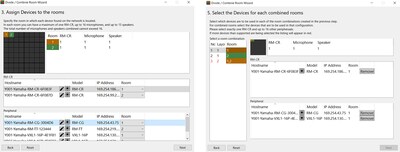
Wizard Ruimte splitsen/combineren
Met deze functie is het eenvoudig om ruimtes te ontwerpen die je kunt splitsen/combineren. Start vanuit de web GUI de “Divide/Combine Room” wizard om maximaal vier ruimtes en hun splitsings-/combinatiemodi in te stellen. Maak en bewaar presets voor elk bedieningspatroon en roep ze op tijdens gebruik met de RM-CR Preset/Recall functie.
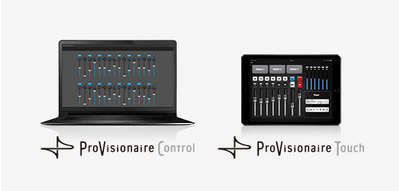
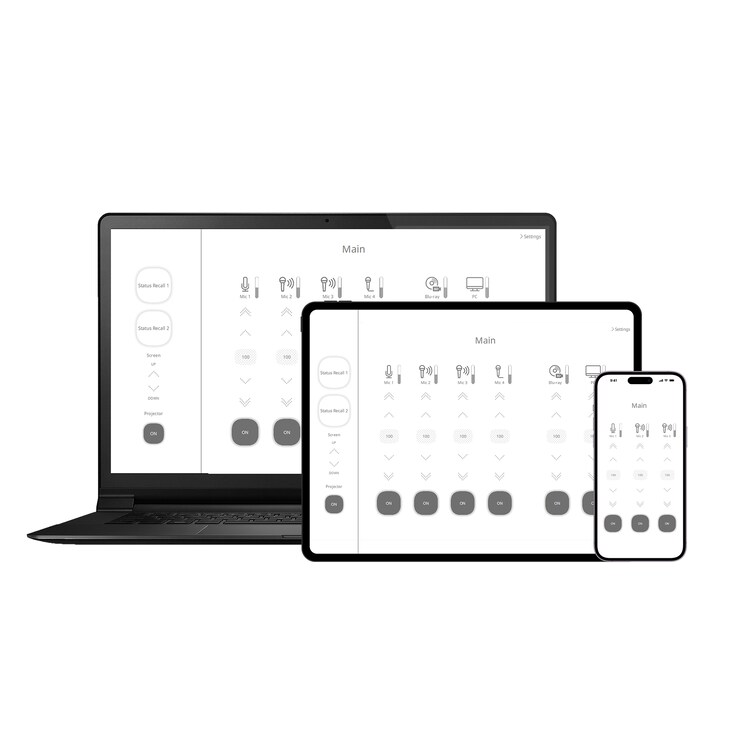
Smart Looks and Flexible Design for Custom Control Panels
No specialized programming skills are required. An intuitive interface makes it easy to create faders for volume control and mute on/off of RM-CR. And position photographs or other graphic elements on the tablet screen as required to create original control panels that are ideally suited to conference audio controls. In addition, ProVisionaire Touch and ProVisionaire Control can control the MRX series processor and other Yamaha Pro Audio equipment. It is easy to combine those parameters onto the one screen. ProVisionaire Control and MRX7-D can control 3rd party networked equipment using commands of Ethernet protocols, UDP, or/and TCP.
Helderdere gesprekken, minder afleiding - Geavanceerde AI Denoiser
Met de krachtige AI Denoiser worden gesprekken op afstand vloeiender en duidelijker, zodat iedereen geconcentreerd en betrokken blijft.
* Deze functie wordt ondersteund met ADECIA Firmware Versie 3.0 en hoger.
-
AI Denoiser UIT
-
AI Denoiser AAN
Met behulp van diepe neurale netwerken biedt het systeem adaptieve ruisonderdrukking in een breed scala aan akoestische omstandigheden. Extra afstemming geeft prioriteit aan een natuurlijk gesprek en continuïteit voor soepele, naadloze overgangen.

Een hoogwaardige AI Denoiser-functie voor verbeterde ruisonderdrukking is ingebouwd in de hardware zelf - er is geen extra software, pc's of extra instellingen nodig.
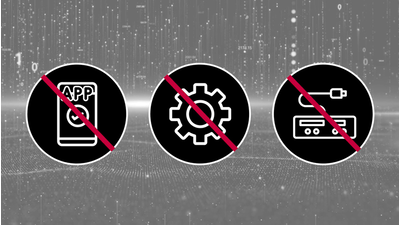
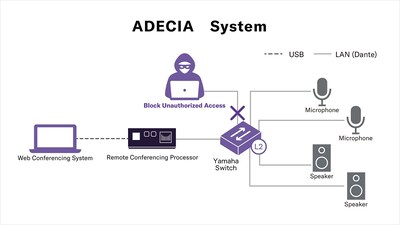
Beveiliging op ondernemingsniveau
Yamaha's uitgebreide ADECIA oplossing voor vergaderen op afstand maakt gebruik van de Radius Server en MAC Authenticatie mogelijkheden van Yamaha switches voor een robuuste, semi-automatische verdediging tegen beveiligingsrisico's.
-
Voor klanten die de SIP-functie gebruiken met firmware versie 2.8 of eerder:
Let op: de SIP-functie is niet beschikbaar met firmware versie 3.0 of hoger.
Als je de SIP-functie wilt blijven gebruiken, bijvoorbeeld wanneer je iets toevoegt aan een bestaand systeem, neem dan contact op met je vertegenwoordiger.
Various mounting methods to best fit your usage
Rack Mount
It can be installed in an EIA rack using the RM-MRK (dedicated rack mount bracket) on the main unit. (Only one unit can be installed in a 19-inch rack.)


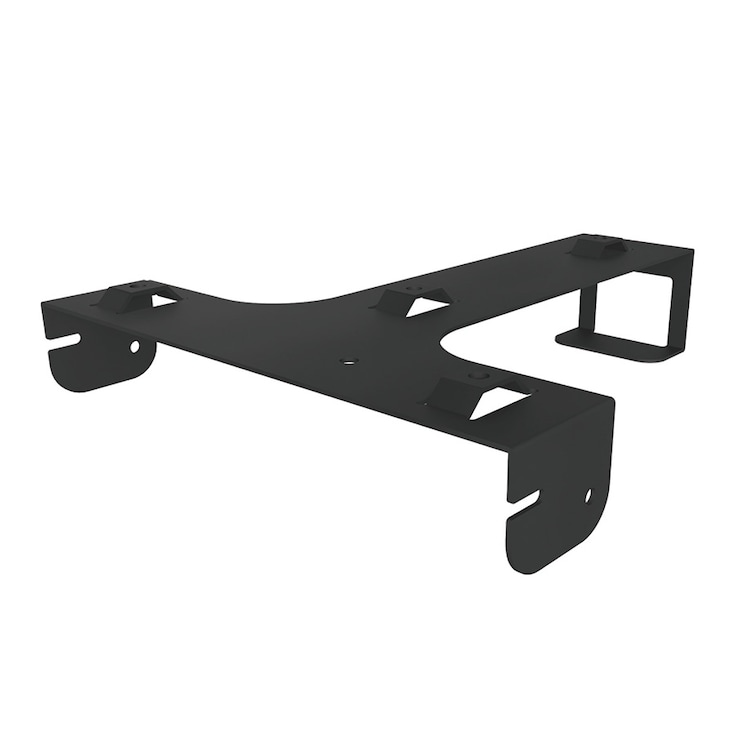
Table Mount
It can also be installed on the underside of a table using the RM-MTL (dedicated table mount bracket).


Gerelateerde informatie
Accessoires
Gerelateerde Producten


Case studies



Gerelateerde oplossingen
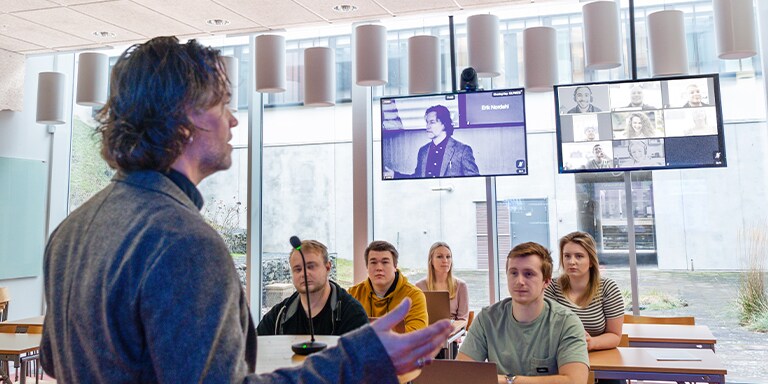


Nieuws


* Specificaties kunnen op elk moment worden gewijzigd zonder voorafgaande aankondiging. De weergegeven kleuren en afwerkingen kunnen verschillen van de werkelijke producten.
